Operations
Day-2 work on what Streamtime runs for you: your fleets and every workload on them (Kafka, Flink and ClickHouse).
Workload management
- Check status: health, version and endpoints of each cluster, job or database, from the console, the API, the CLI or MCP.
- Create: deploy a workload on a fleet that serves its kind, sized in its own units (Capacity units).
- Upgrade: move a workload to a newer Version, now or in a scheduled operation.
- Delete: remove a workload and everything Streamtime installed for it.
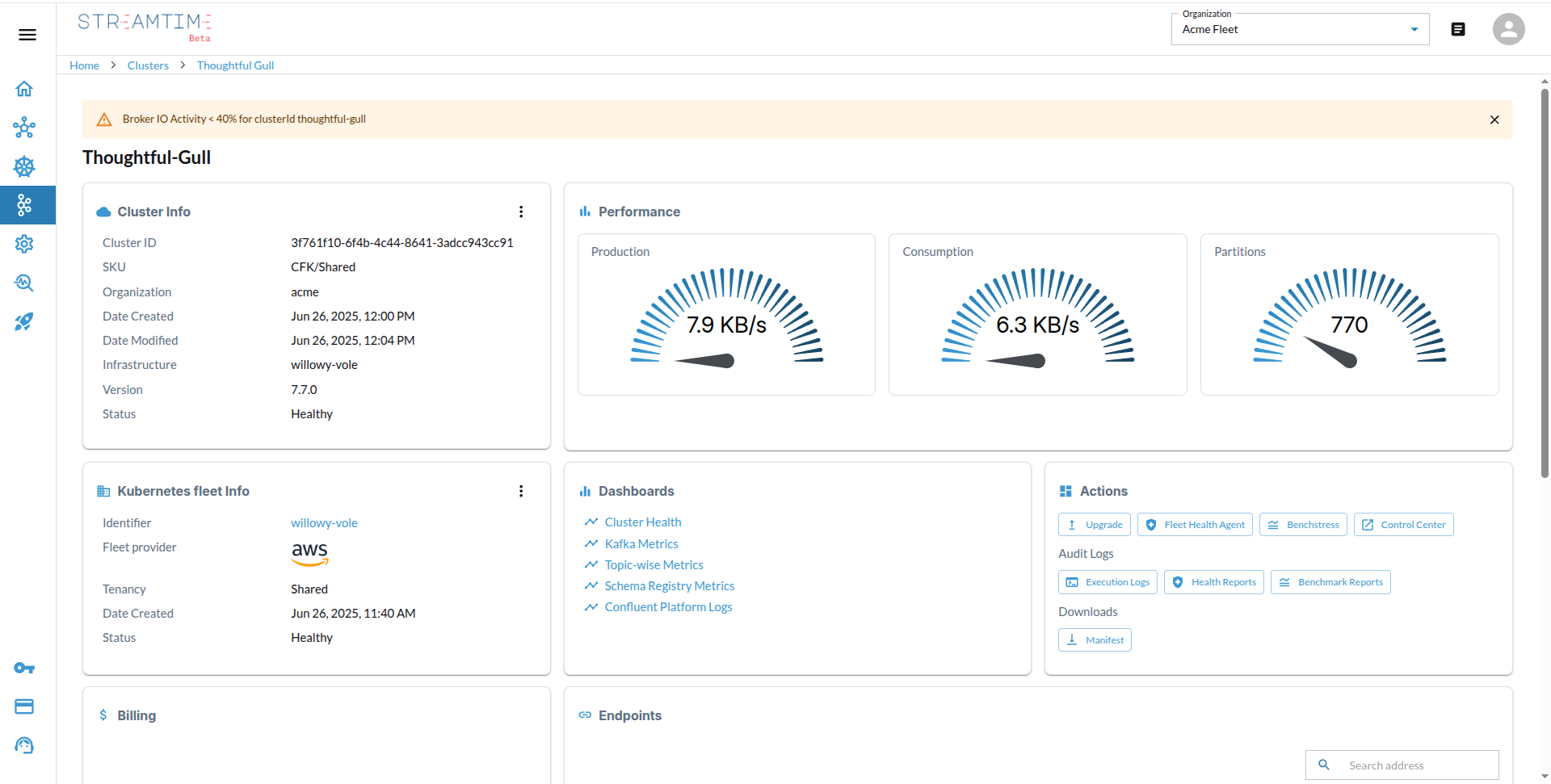
Monitoring
- Metrics and dashboards for fleets, Kafka clusters, Flink and ClickHouse.
- Alerts from built-in and custom rules, sent to your alert channels; see Alerts & Diagnostics.
- Logs from every pod in the fleet.
- A copy of metrics and logs in your own monitoring product, with Bring Your Own Observability.
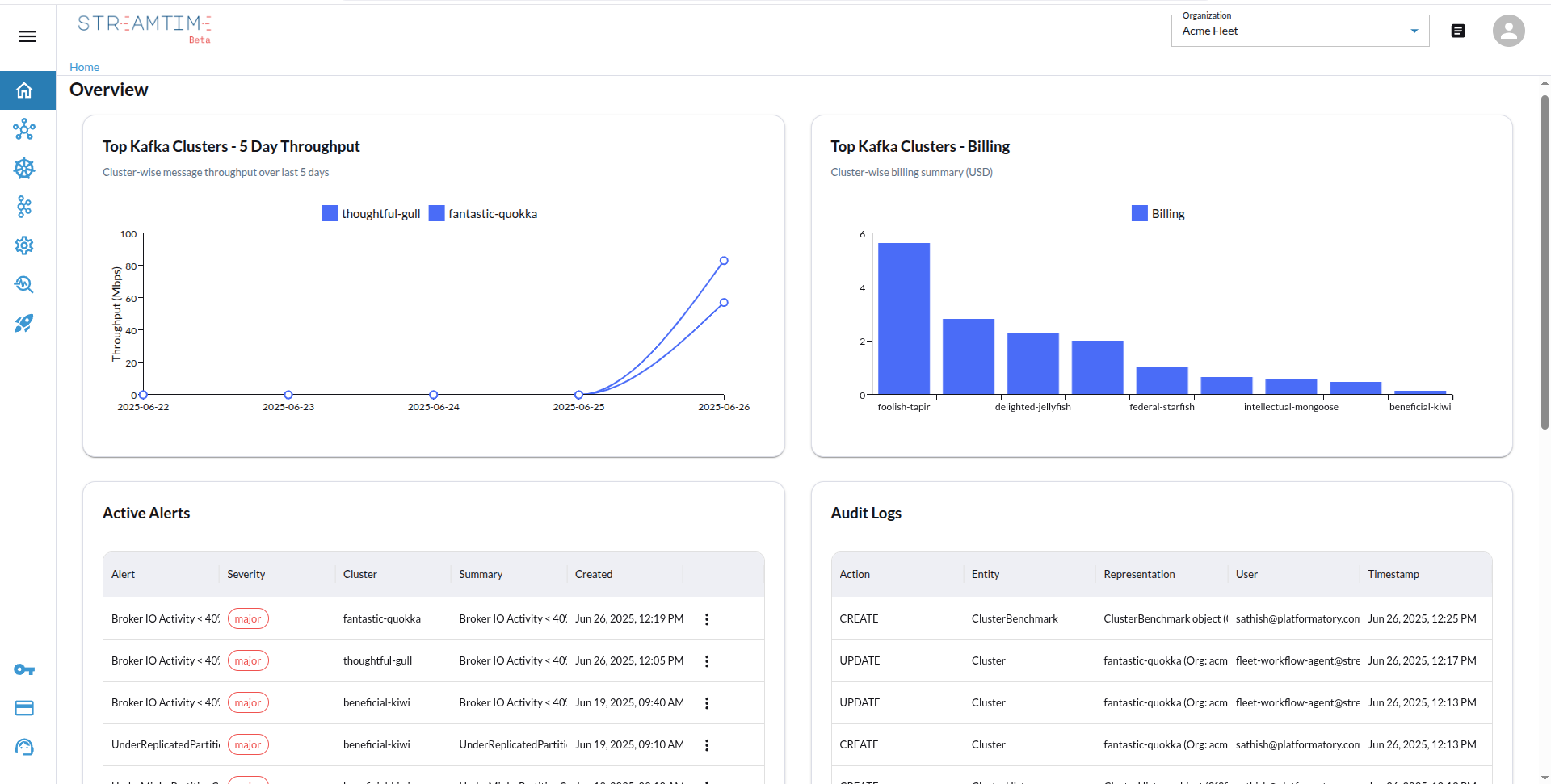
Scaling
- Flink: change a Job Workspace’s Max Flink Units or a job’s Flink Units.
- Kafka: a new number of Kafka Units is saved, but not yet applied to a running cluster; see the Kafka pages.
- Fleets: add capacity to a fleet, or nodes to your own cluster.
Troubleshooting
- Logs and Diagnostics: Access logs and diagnostic tools to identify and resolve issues.
- Health agents: Use built-in health checks to monitor the status of your clusters and fleets.
- Support: Contact Streamtime support for assistance with complex problems.